Most “ATS-friendly templates” sold online are still secretly built with the same design tricks that break parsing — a subtle table here, a text box there. Independent testing has found that a large share of popular design-tool templates (Canva templates among them) fail basic ATS parsing, even though they look flawless on screen.
The safest template isn’t really a design at all. It’s a structure. Here’s exactly how to build it, section by section, in a way that holds up across virtually every major platform — Workday, Greenhouse, Taleo, iCIMS, Lever.
First, the one principle behind every choice below: an ATS parses text, not design. Your goal isn’t to impress the software — it’s to make sure the software can correctly read who you are, what you’ve done, and whether you match the posting, before a human ever looks. (For why this matters more than “beating” any bot, see why your resume gets rejected.)
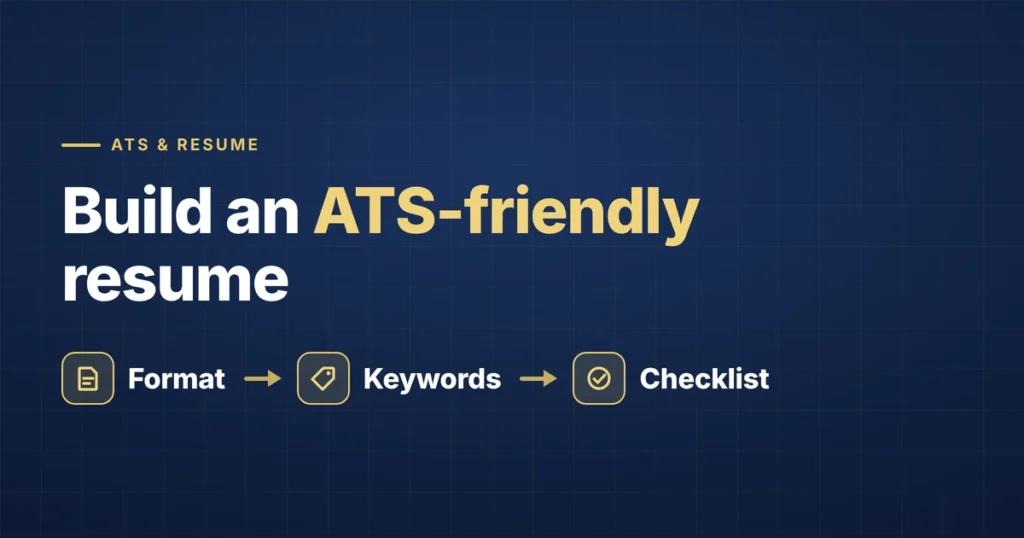
The Structure
1. Contact Information (top of the page, in the body — not a header)
“`
Full Name
Phone Number | Email Address | City, State | LinkedIn URL
“`
Keep this in plain text directly in the document body. No icons, no header placement, no graphics. Some parsers skip headers entirely, so contact details placed there can vanish from the system.
2. Professional Summary (2–4 lines)
A short summary stating your role, years of experience, your domain, and one or two concrete proof points. Skip generic adjectives like “dynamic” or “results-driven” — they add length without information. If your summary doesn’t contain at least one real keyword or achievement from the posting you’re applying to, cut it and let your experience section carry the opening instead.
Example: “Product Manager with 6 years of experience in B2B SaaS, specializing in cross-functional delivery and stakeholder alignment. Led product launches generating $4.2M in first-year revenue across two companies.”
3. Skills
A simple list, grouped if helpful, but never represented as graphics, bars, or star ratings — those are invisible to most parsers. List skills as plain text.
Example:
“`
Technical Skills: SQL, Tableau, Python, Salesforce, Google Analytics
Core Competencies: Cross-Functional Leadership, Stakeholder Communication, Roadmap Planning
“`
4. Professional Experience
Reverse chronological order — most recent role first. For each role:
“`
Job Title
Company Name | Location | Start Date – End Date
“`
- Bullet starting with a strong action verb, describing what you did, the tools or methods used, and the measurable outcome
- Second bullet, same structure
- Third bullet, same structure
Example:
“`
Senior Product Manager
Northbridge Software | Remote | March 2021 – Present
“`
- Led cross-functional team of 8 using Agile methodology to deliver a product launch two months ahead of schedule, resulting in $2M in first-quarter revenue
- Built and maintained a quarterly roadmap process adopted across 3 product lines, reducing planning cycle time by 30%
- Partnered with sales and customer success to identify feature gaps, directly informing 4 of the past year’s top 5 shipped features
Quantified bullets aren’t just an ATS point — eye-tracking research on how recruiters scan resumes finds that a concrete metric draws the eye and invites further reading during the brief first pass.
5. Education
Degree, Institution, Graduation Year. Keep it simple — rarely more than two or three lines per degree.
6. Certifications (if relevant)
List any relevant certifications by full name, including the issuing body. Skills-based hiring research has found certifications can meaningfully lift acceptance when listed correctly — full name, year, issuer.
Formatting Rules to Follow Throughout
- Single column — no tables, no text boxes
- Standard fonts only: Arial, Calibri, Georgia, or Times New Roman, 10–12pt
- Standard section headers exactly as shown — not creative alternatives
- No graphics, icons, or skill-rating bars anywhere
- Dates clearly visible for every role
- Save as both .docx and .pdf, and check that both export cleanly
How to Test This Template Before You Use It
A 30-second DIY check: copy your finished resume’s text and paste it into a plain text editor like Notepad. If the sections stay in order and nothing disappears, an ATS will likely parse it cleanly too. If text scrambles or merges, fix the formatting before applying. Free scanners like Jobscan or Resume Worded can also confirm parsing and flag missing keywords. (For the specific traps to avoid, see ATS resume mistakes.)
Why This Works
There’s nothing flashy about this structure, and that’s the point. Every choice exists to make sure the system can correctly identify your qualifications — and that a recruiter skimming a deep pile can find what matters fast. Once your information reliably gets through, that’s when tailoring each version to the specific posting’s keywords becomes the highest-leverage thing you can do. (Step-by-step in how to pass ATS screening.)
Frequently Asked Questions
What is the best resume format for ATS?
A single-column, reverse-chronological layout in a standard font, with standard section headers and contact details in the document body. This structure parses most reliably across all major ATS platforms. Avoid tables, columns, graphics, and text boxes.
Should I use a resume template from Canva or Word?
Be cautious. Many visually-rich templates from design tools fail ATS parsing because they rely on text boxes, columns, or graphics. If you use one, test it by pasting the text into Notepad — if it scrambles, it will likely fail an ATS too. The plain structure in this article is the safer default.
Is a PDF or Word file better for this template?
Both can work, but they parse differently across systems. Save and check both .docx and .pdf, and follow the posting’s stated preference if given. The clean structure here travels well in either format.
How long should an ATS resume be?
One page for early-career (0–5 years), one to two pages for mid-career (5–15 years), and up to two (occasionally three) for senior or executive roles. Every line should earn its place; if a second page is mostly older or unrelated roles, trim it.
The Bottom Line
The most reliable ATS-friendly resume isn’t a clever design — it’s a clean structure that lets your real qualifications through to both the parser and the person. Build it once, test it in Notepad, then tailor it per application.
If you’d rather have this done for you — a clean, parse-ready resume tailored to each role you apply for — that’s exactly what we handle. See how it works or get started.