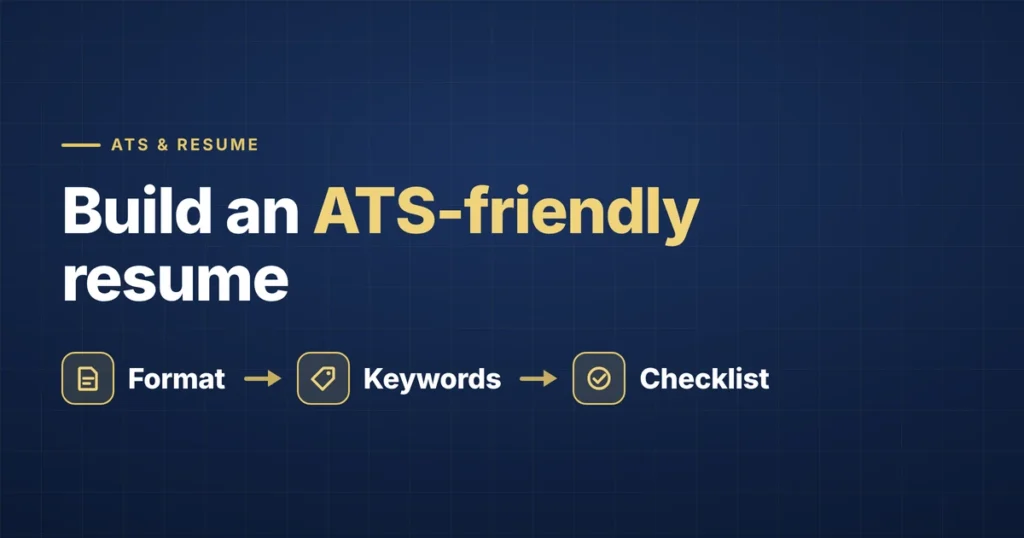
An ATS-friendly resume is one that an applicant tracking system can read correctly and match to a job description. That comes down to two things: a format the software can parse without scrambling, and wording that mirrors what the employer is looking for. Get both right and your resume reaches a recruiter in readable shape. Get either wrong and a qualified candidate can look like a poor match.
These are the rules we check on every resume before we submit an application.
How an ATS reads a resume
An applicant tracking system (ATS) — software such as Workday, Greenhouse, Lever, iCIMS, or Taleo — stores applications and helps recruiters sort them. When you upload a resume, the ATS extracts the text and tries to sort it into fields: your name, contact details, job titles, employers, dates, education, and skills.
Recruiters then search and filter those fields. If the system misreads your resume — say, it can’t find your job titles because they’re in a table — your application can rank poorly in searches even though you’re qualified.
A common myth is that an ATS automatically “rejects” most resumes. In practice, recruiters usually make the decisions; the ATS controls what they see and how easily they can find you. That’s why formatting and keywords matter.
ATS resume formatting rules
- Use a text-based PDF or .docx. If you can highlight and copy the text, the ATS can read it. Never upload a scanned image. If the posting asks for a specific format, use that one.
- Stick to a single column. Two-column layouts can be read across both columns, mixing lines from different sections together.
- Avoid tables, text boxes, graphics, and icons. Many parsers skip them or read them out of order. Skill bars and rating charts are unreadable to software.
- Put contact details in the body, not the header or footer. Some systems don’t read header and footer areas.
- Use standard section headings. “Summary,” “Work Experience,” “Education,” and “Skills” are recognized everywhere. Creative headings like “My Journey” are not.
- Use consistent dates. MM/YYYY throughout (e.g., 03/2022 – 08/2025) parses reliably.
- Use a common font. Fonts such as Calibri, Arial, or Georgia at 10–12 pt are safe.
- Name the file clearly. First_Last_Resume.pdf looks professional to the human who opens it.
Keywords: how to match the job description
Formatting gets your resume read. Keywords get it found. Recruiters often search their ATS for specific titles, skills, and tools, so your resume needs to use the same words the job description uses — for the things you genuinely have.
- Mirror the exact phrasing. If the posting says “stakeholder management,” don’t write only “working with partners.”
- Include acronyms and full forms. Write “Salesforce Marketing Cloud (SFMC)” so either search term finds you.
- Put the target job title in your summary. Titles are among the most heavily searched fields.
- List key skills twice. Once in your Skills section, and once in an experience bullet that shows you using it.
- Don’t stuff or hide keywords. White text and keyword dumps can be spotted by recruiters and undermine your credibility.
For more on choosing which skills to include, see skills to put on a resume.
Tailored CV vs. generic resume
A generic resume is written to fit every job; a tailored CV is adjusted for one posting. Tailoring doesn’t mean rewriting everything. It usually means:
- Rewriting your summary around the target title and two or three of the posting’s top requirements.
- Reordering your skills so the posting’s must-haves appear first.
- Adjusting two to four experience bullets to use the posting’s language.
Tailoring is the biggest reason a focused job search outperforms a high-volume one. We cover the data behind that in why mass-applying doesn’t work.
Don’t forget the application form
Many applications include knockout questions — years of experience, degree, work authorization, relocation, location, and salary expectations. Answer them truthfully and consistently with your resume. The titles, employers, and dates you type into form fields should match your resume exactly; mismatches can look like errors or inconsistencies to a recruiter.
ATS resume checklist
Run through this before every application:
- Text-based PDF or .docx, single column
- No tables, text boxes, icons, or graphics
- Contact details in the main body
- Standard headings: Summary, Work Experience, Education, Skills
- Consistent MM/YYYY dates
- Target job title in your summary
- Job description’s key skills used in both Skills and experience bullets
- Acronyms paired with full forms
- Form answers match the resume exactly
- Zero spelling errors
Quick test: copy all the text from your PDF and paste it into a plain text editor. If it reads in the right order with nothing missing, an ATS can most likely read it too.
If your resume passes this checklist but you’re still not hearing back, the issue may be targeting rather than formatting. See why most online job applications fail.
Frequently asked questions
What is an ATS-friendly resume?
An ATS-friendly resume uses a simple, single-column layout, standard section headings, and plain text that applicant tracking software can read accurately. It also uses the same keywords as the job description for skills and tools you actually have, so recruiters can find it when they search their system.
Does every company use an ATS?
Not every company, but most mid-sized and large employers do, along with many smaller ones that hire through online job platforms. Since you usually can’t tell which system an employer uses, it’s safest to format every resume so it can be parsed correctly.
Should I send my resume as a PDF or Word document?
Most modern applicant tracking systems read text-based PDFs and .docx files equally well. Follow the posting’s instructions if it specifies a format. If it doesn’t, a text-based PDF keeps your layout intact, as long as it was exported from a document rather than scanned.